Identify what to preserve before making a local image edit
Quick answer
Separate what needs to change from what must stay the same, reducing the chance that a small edit affects the whole image.
TokensMore Editorial Team ·
Describe the scope of the change first
Find the area that actually needs editing. Removing one glass from a tabletop and redesigning the entire tabletop are different tasks. Record the target area's position and size, then choose a tool that supports the operation.
If the interface provides a selection or mask, check that the area you draw matches the actual input image. Do not treat positions on a preview thumbnail as coordinates on the original. For edits where edges matter, you can leave a small transition area, but avoid covering a subject that should remain unchanged.
State what must remain
Alongside ‘remove the glass,’ write ‘preserve the table's perspective, the window's position, and the existing lighting.’ For a portrait, you can also specify preserving the pose, clothing, and background. These requirements do not guarantee that a tool will follow them, but they help you spot deviations in the result.
Changing one target at a time makes review easier. When several objects need changes, start with a smaller target or one whose position is clear, check the result, then continue with the next area.
Compare at the original position
Compare the result and input at the same display size. First check whether the intended edit succeeded, then look around it for repeated textures, abrupt lighting transitions, or a shifted subject. A small view of the whole image may hide edge problems.
- Check that the selection corresponds to the input.
- Compare edges and textures around the target.
- Confirm that the original subject, composition, and lighting remain consistent.
- Keep the original and the edited version so you can revert.
Do not treat a preview as acceptance
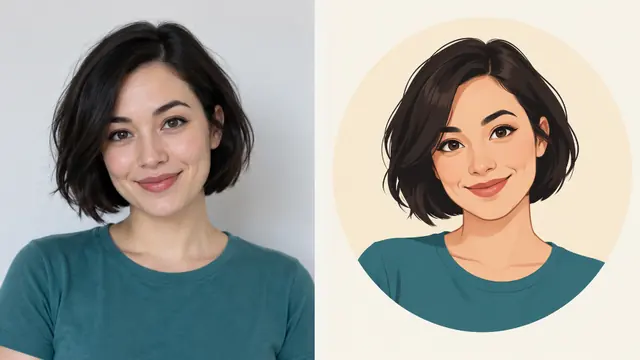
A design example can explain the direction of an operation. A real result still needs comparison with the actual input and output. Before saving, check the image at its final display size. If there is no output, an illustration should not be treated as a completed edit.
In TokensMore, first choose the appropriate tool and supply the media and settings requested by its interface. When you generate, use the currently selected model and the server quote. Preparing a draft, viewing an illustration, or reading this article does not submit a generation request. Tool availability and output quality must be checked separately; this article does not promise that every model can perform the same operations.
Continue your workflow
Check the tool page for current availability, input limits and costs.
Editorial and review method